Overview
Authorized eCat Sales Portal users can 'quick-enroll' eCat Online users associated with their own customers, bypassing the standard enrollment approval process. The new users are immediately emailed their user names and passwords.
How It Works
1) Click 'Enroll Customer' on the sales portal customer dashboard page for the new user's company.
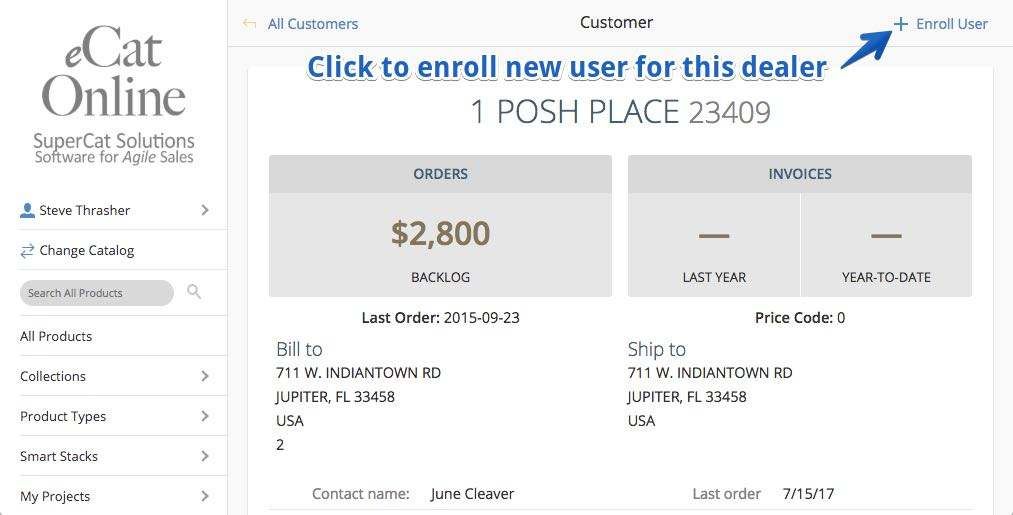
2) Enter the new user's email address when prompted and click 'Enroll User
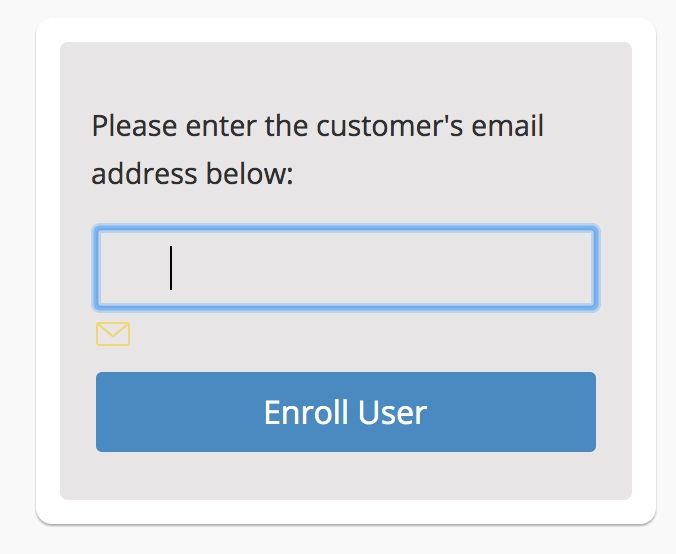
If the new user's email address is associated with an existing eCat account this is the last step. They will be immediately enrolled with your company and sent a welcome email.
If the user does not have an existing eCat account a short form will display for you to enter the new user's contact
3) Fill in and submit user information form
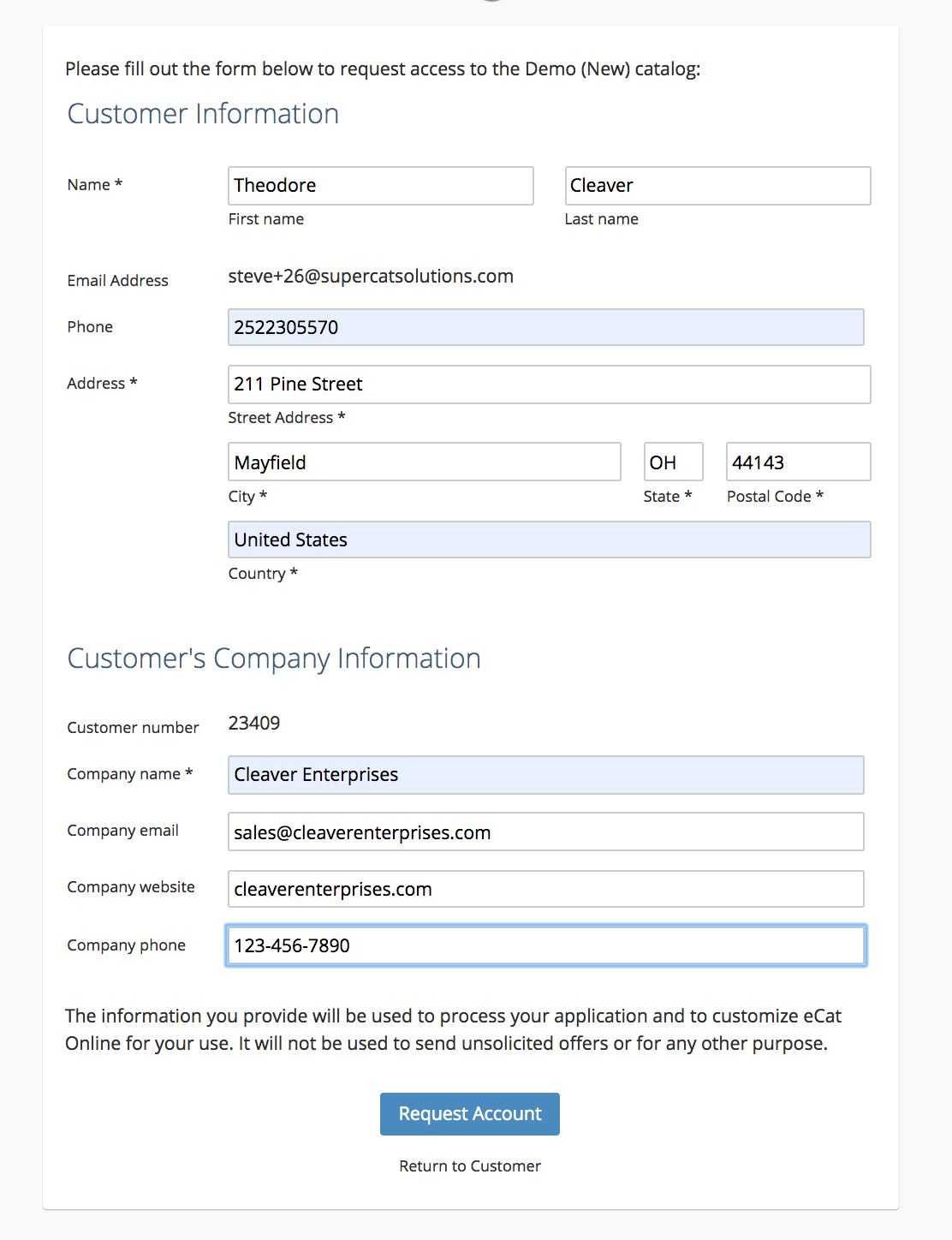
The new user account will be immediately created after the form is submitted and credentials will be emailed to the new user in a welcome email.