About the Branding Image
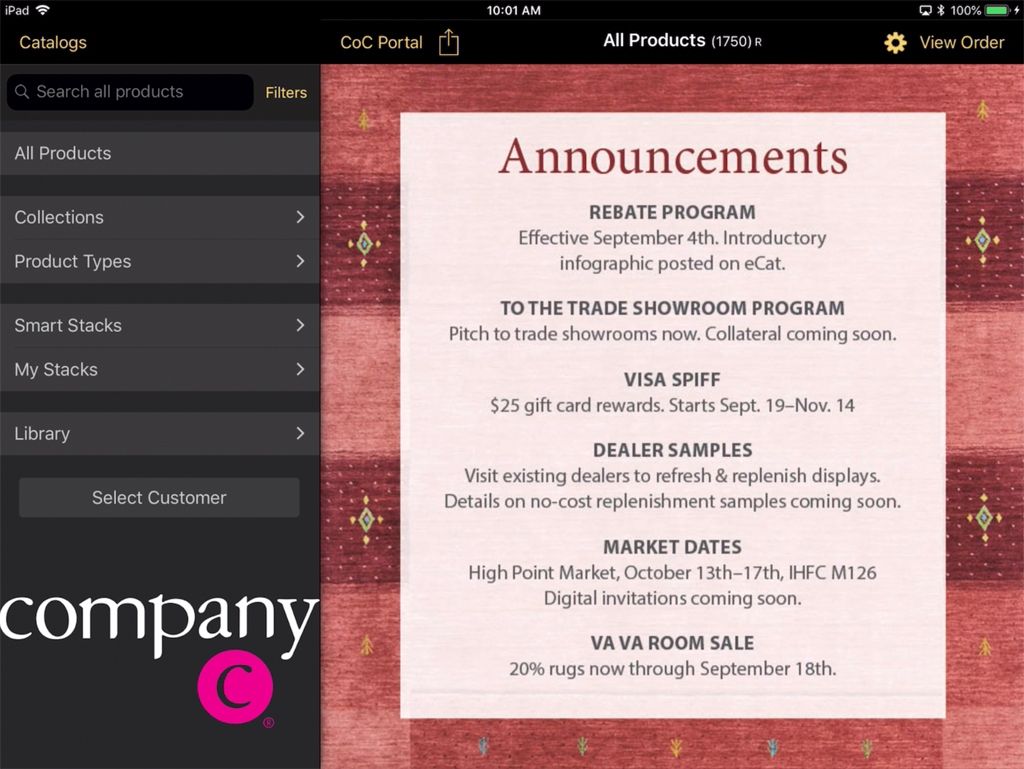
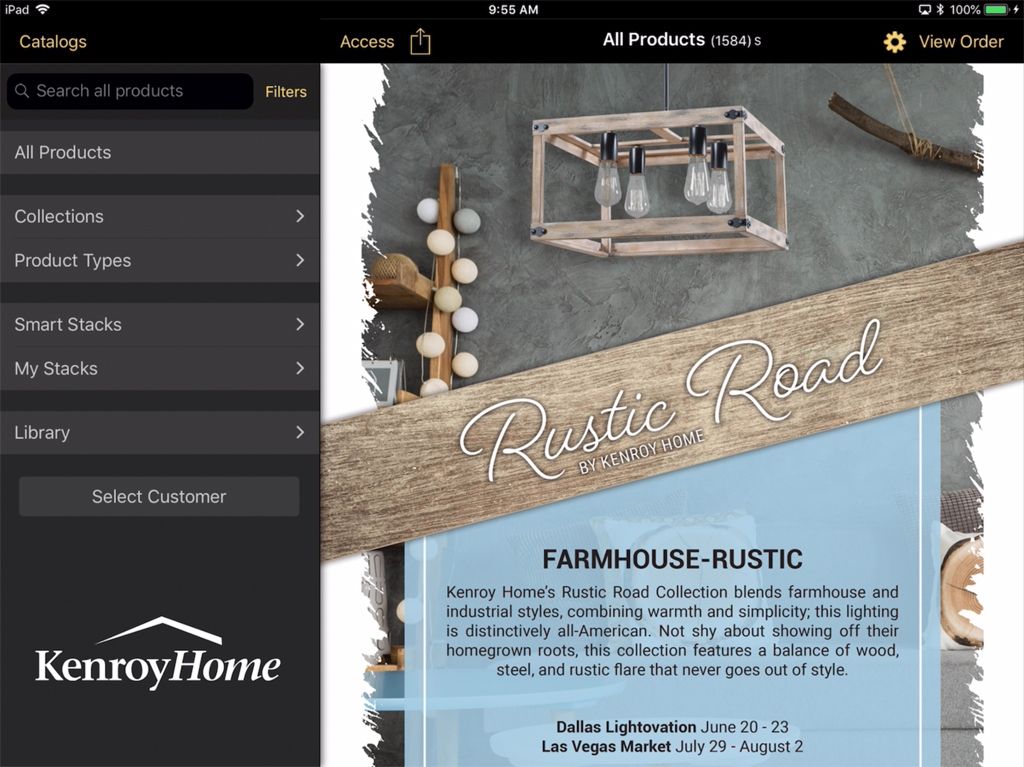
The Brand Image functions like a catalog cover in eCat on the iPad. It displays over the thumbnail view area when eCat is first opened. The brand image can also be used display messages and announcements to eCat users if these are incorporated into the image. When the user taps the screen, the brand image is hidden and the standard eCat catalog thumbnails are revealed.
The brand image must be exactly 1406px wide x 1408px high in order to cover the entire thumbnail display area. The image displays over the catalog grid view photos, so should be an 'opaque' image in JPEG format. Transparent formats like PNG do not work well in this location.
Note that because it displays next to the navigation panel logo, it is not normally necessary to include your company's name in the brand image.
The branding image can be imported from the admin console under path Tools > Import Images > Branding image.
Here are some examples of how companies use their branding images in eCat.
Show Your Brand / Marketing 'Look'


Highlight New Programs
Post Announcements for Your Sales Team